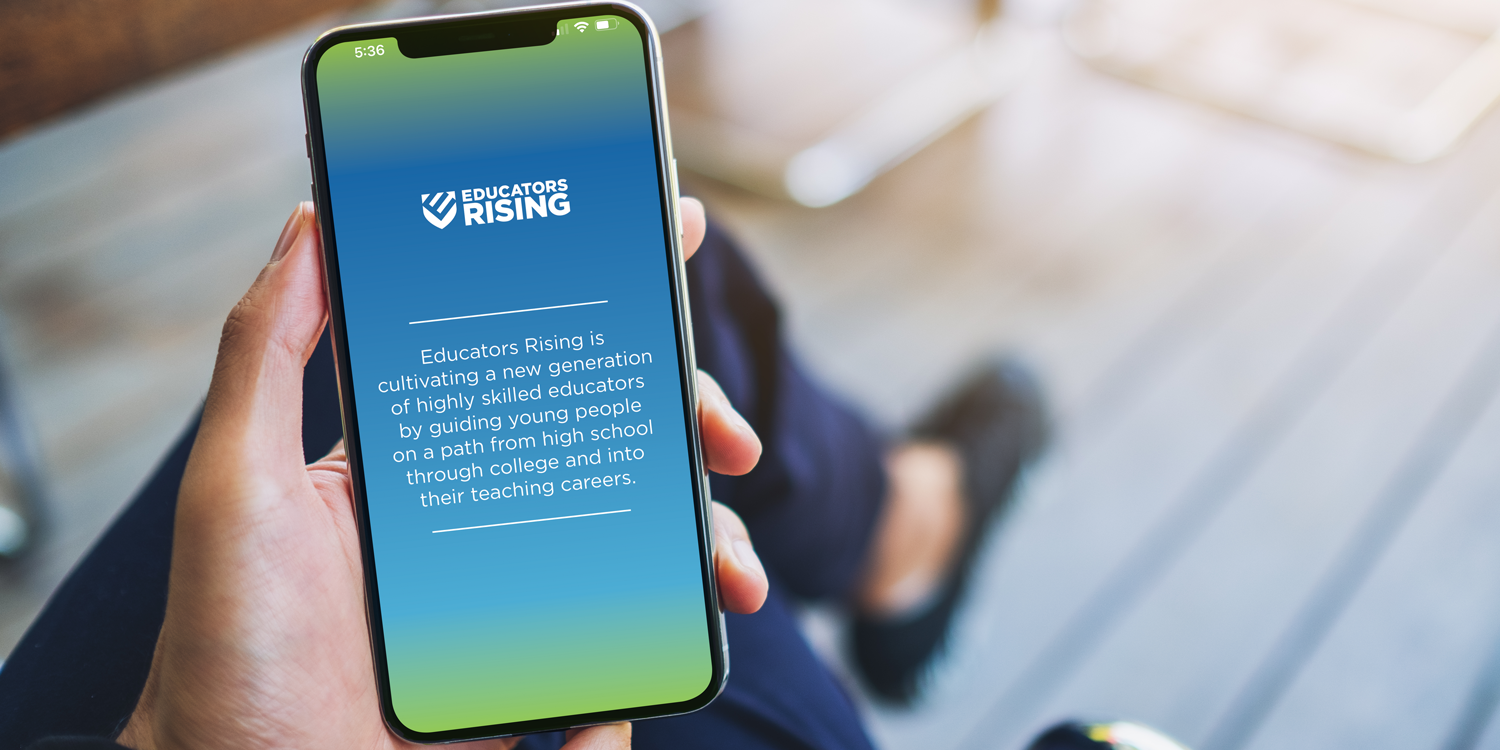
Get ready for the conference by downloading the most recent version of our free conference app. Not only will you be able to know when and where everything is while in Orlando, but also you can maximize your time by choosing your breakout sessions in advance to create a personalized agenda, chat with other attendees, participate in our scavenger hunt for prizes, and more.
We’ll also share important announcements, room changes, and other updates in the app throughout the conference.
Check out the following areas to get the most out of the conference:
- Agenda: Mark the sessions that you plan to attend with a star. They’ll appear on the My Agenda tab, so you won’t forget.
- Conference Bag: Whenever you choose something as your favorite, it also will appear in your conference bag to be easily accessible.
- Notes: Just click on notes and press the + icon in the lower right-hand corner. It’s a full notebook in your hands at the conference.
- Scavenger Hunt: Earn points by engaging with exhibitors, participating in focus groups, and more. The top students will win a prize.
- Q&A: Want to ask our keynote speakers a question? Just click on the Q&A icon and ask away.
- Chat: Send instant messages to your old and new friends by clicking on the Chat icon (on the second page). You can even set up a group chat.
- Exhibitors: Check out the prospective colleges and education organizations that will be exhibiting at the event.
- Photo Sharing: Post your photos from the event and see what other attendees are up to in a curated photobook. Post here and we may feature you on social media!
- Ratings and Reviews: Leave ratings and reviews of the breakout and general sessions you attend to help our presenters gain insights into their presentations (and get Scavenger Hunt points).
Downloading the app
The app is available for download from the Apple App Store or Google Play Store under PDK/Educators Rising. (Note: It will work best if your phone is updated to the latest operating system.)
To log in, use the email that you used to register for the conference for the Login, and your Password will be your last name with the first letter capitalized. If you’re unable to log in, follow up with your teacher leader to find out what email you are registered for the conference under.
TIP: Make sure to download and sign into the app before the conference. Internet onsite can be spotty in certain areas and cause errors in downloading.

PO Box 13090
Arlington, VA 22219
(812) 339-1156 (10am-4pm ET)
info@educatorsrising.org
media@pdkintl.org
Payment Remit Address:
P.O. Box 745955
Atlanta, GA 30374-5955
© 2026 Educators Rising. All Rights Reserved. | Privacy Policy
All pricing subject to change, our current price is what is reflected on the website.